Memvora
1 / 5

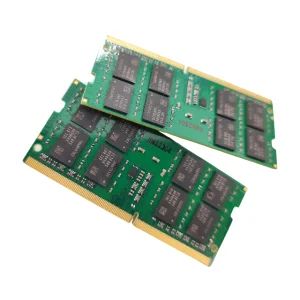
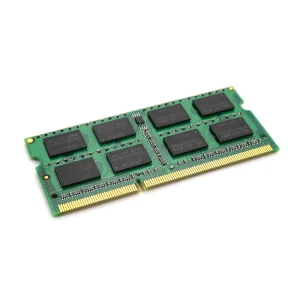
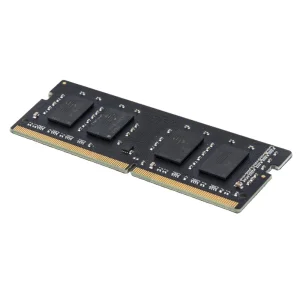
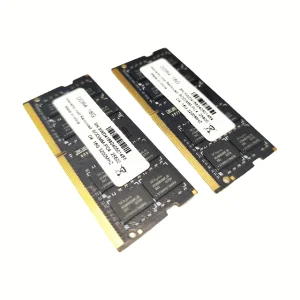
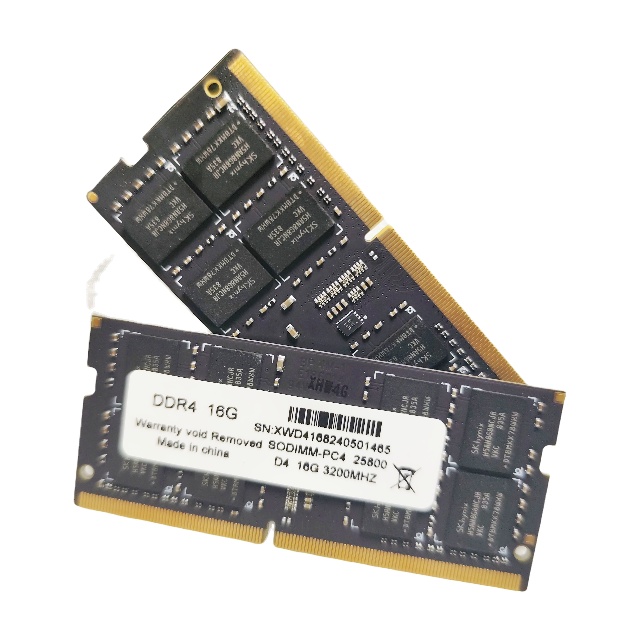
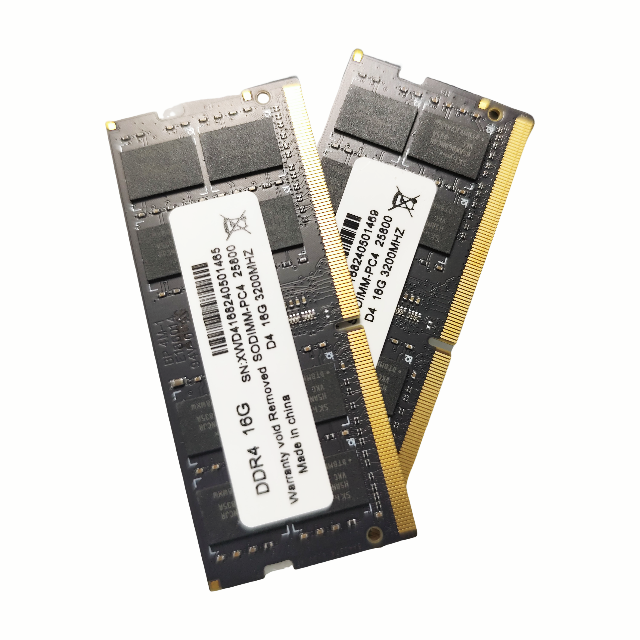
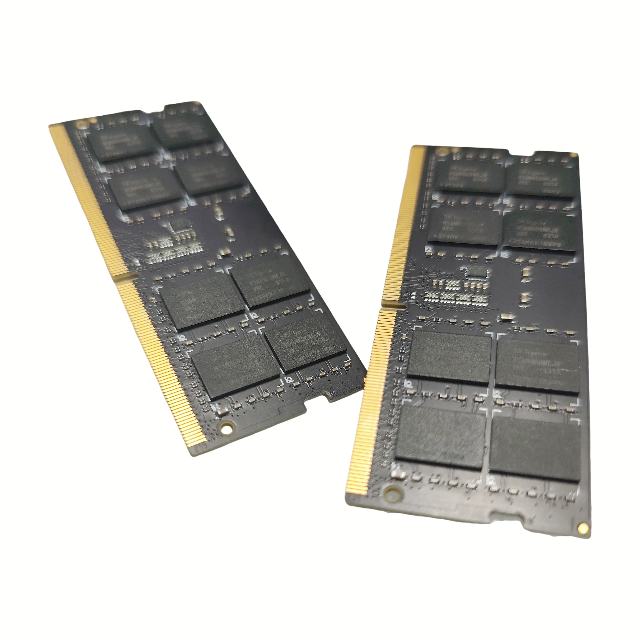
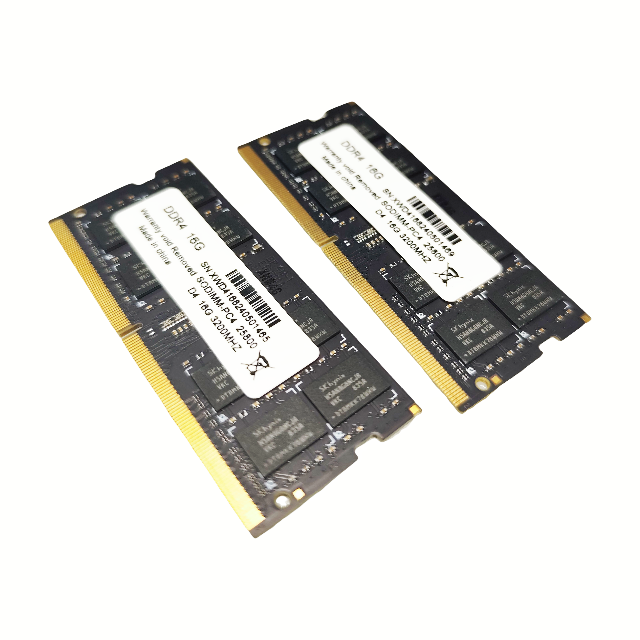
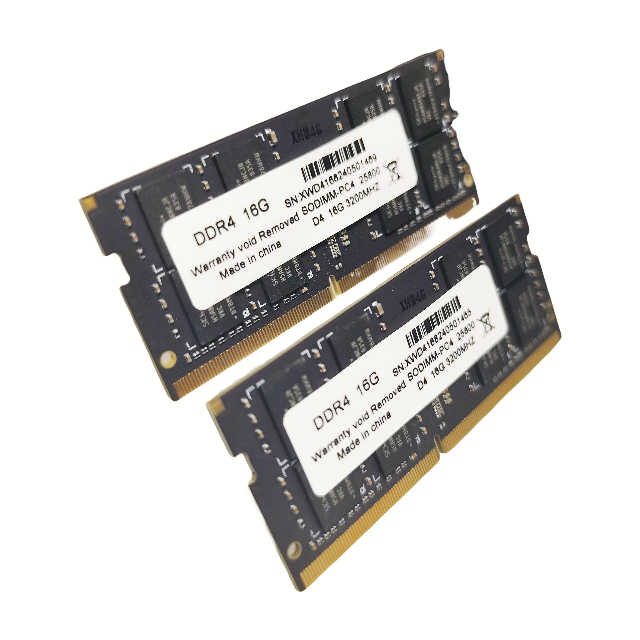
| Applicable types | notebook |
| Memory type | DDR4 |
| Transmission type | SDRAM |
| Combination form | Single item |
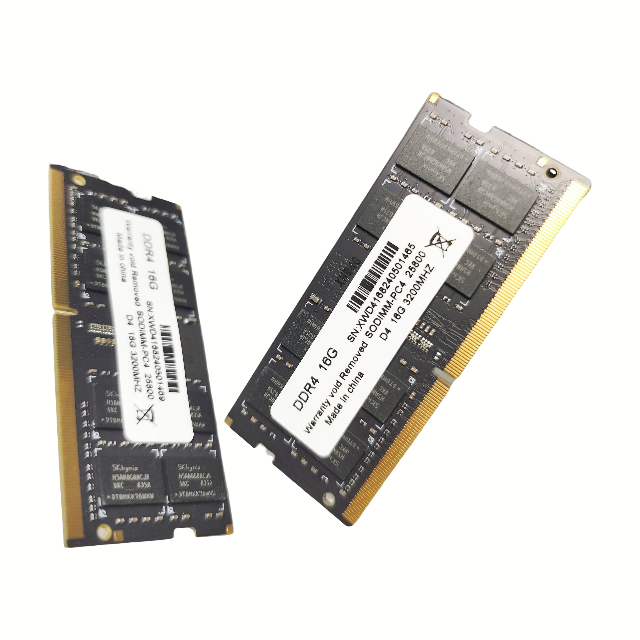
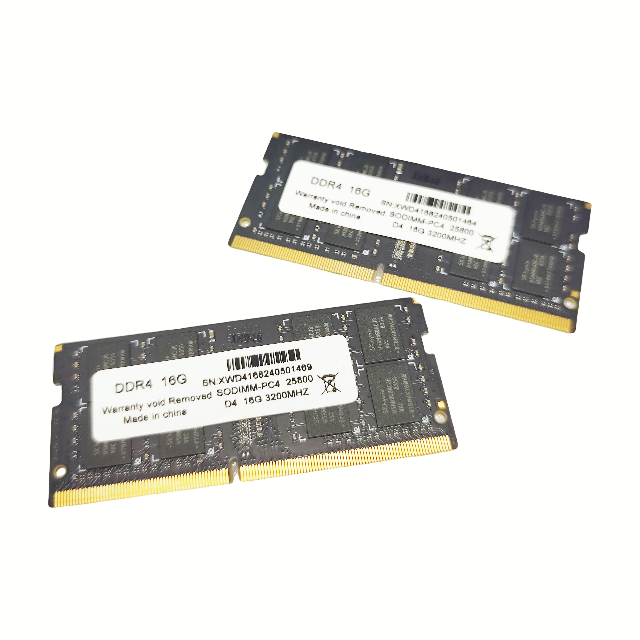
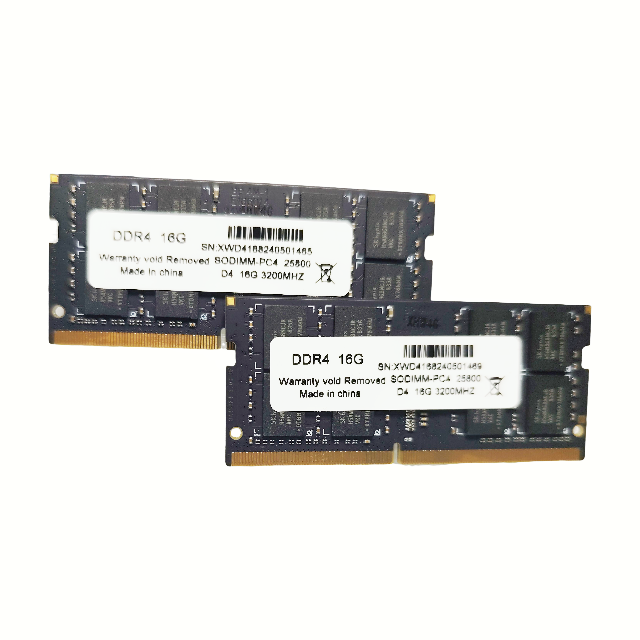
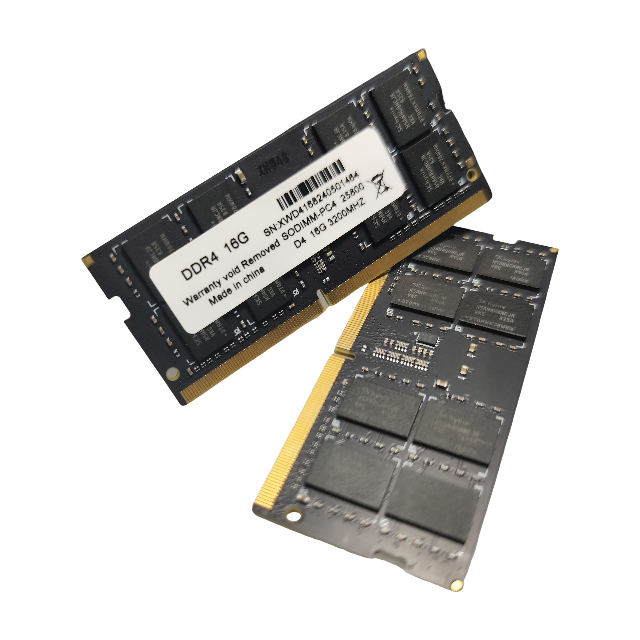
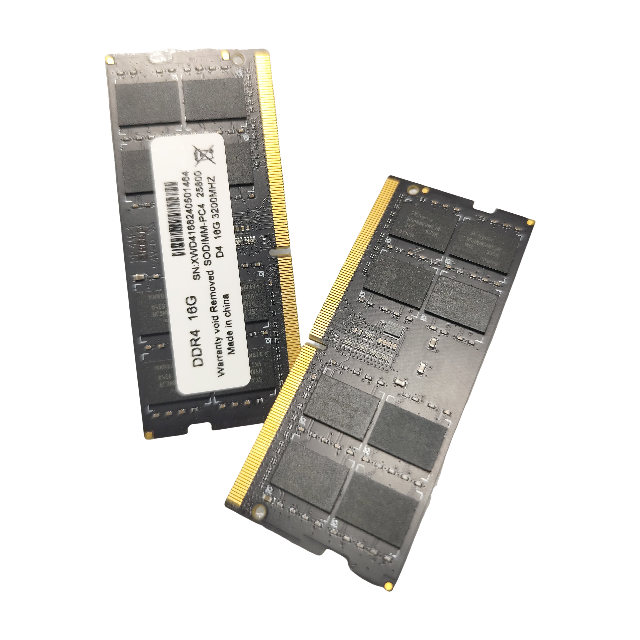
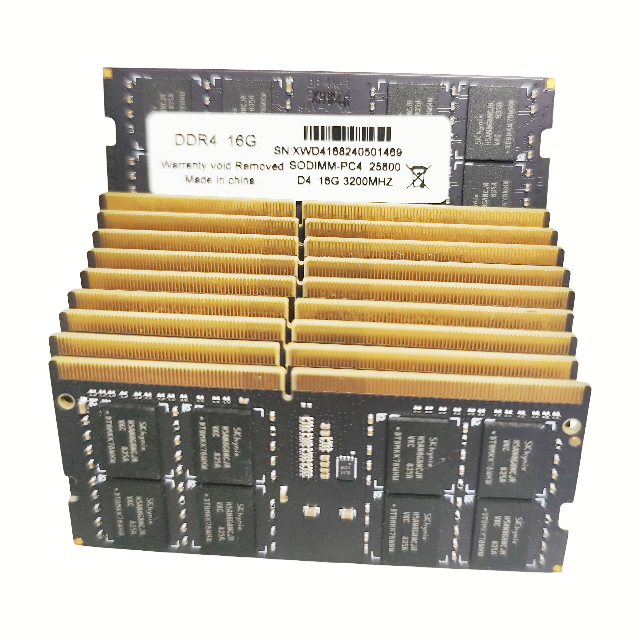



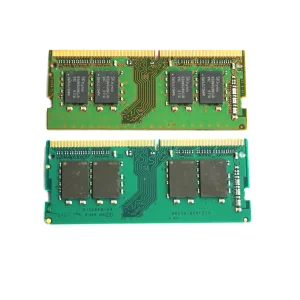
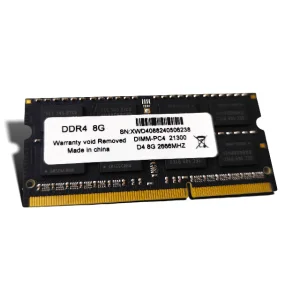
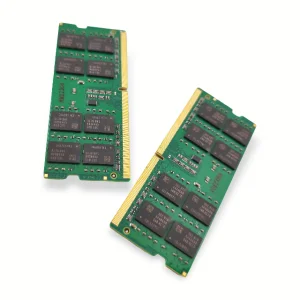
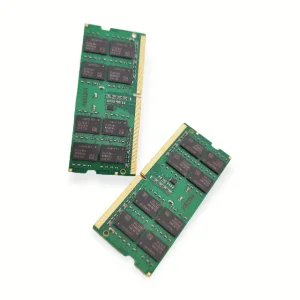
This DDR4 SDRAM module is designed for standard notebooks that support DDR4 SODIMM memory. Please verify your laptop's processor and motherboard specifications to ensure compatibility with DDR4 architecture and operating frequency.
Yes, you can install it alongside your existing module. However, for maximum stability, performance, and to enable dual-channel mode, it is highly recommended to use matching modules of the same capacity, frequency, and specifications.
DDR4 SDRAM offers significantly higher data transfer speeds, increased bandwidth, and lower power consumption compared to older generations like DDR3. This leads to longer battery life and smoother multitasking performance on your notebook.
First, power off your laptop, unplug the power source, and remove the battery if possible. Open the back cover of your laptop to access the RAM slot, insert the module at a 30-degree angle, press down gently until the side clips lock it securely in place, and then reassemble the notebook.
Upgrading your memory increases the system's capacity to handle multiple tasks simultaneously. You will notice faster application loading times, smoother web browsing with multiple open tabs, and improved responsiveness in demanding applications.